Feature
Workload Management
Keep workloads balanced and realistic
See and balance how much work each person and department carries, before deadlines are at risk.
- Load by member & department
- Catch overcommitment early
- Rebalance assignments fast
- Protect against burnout
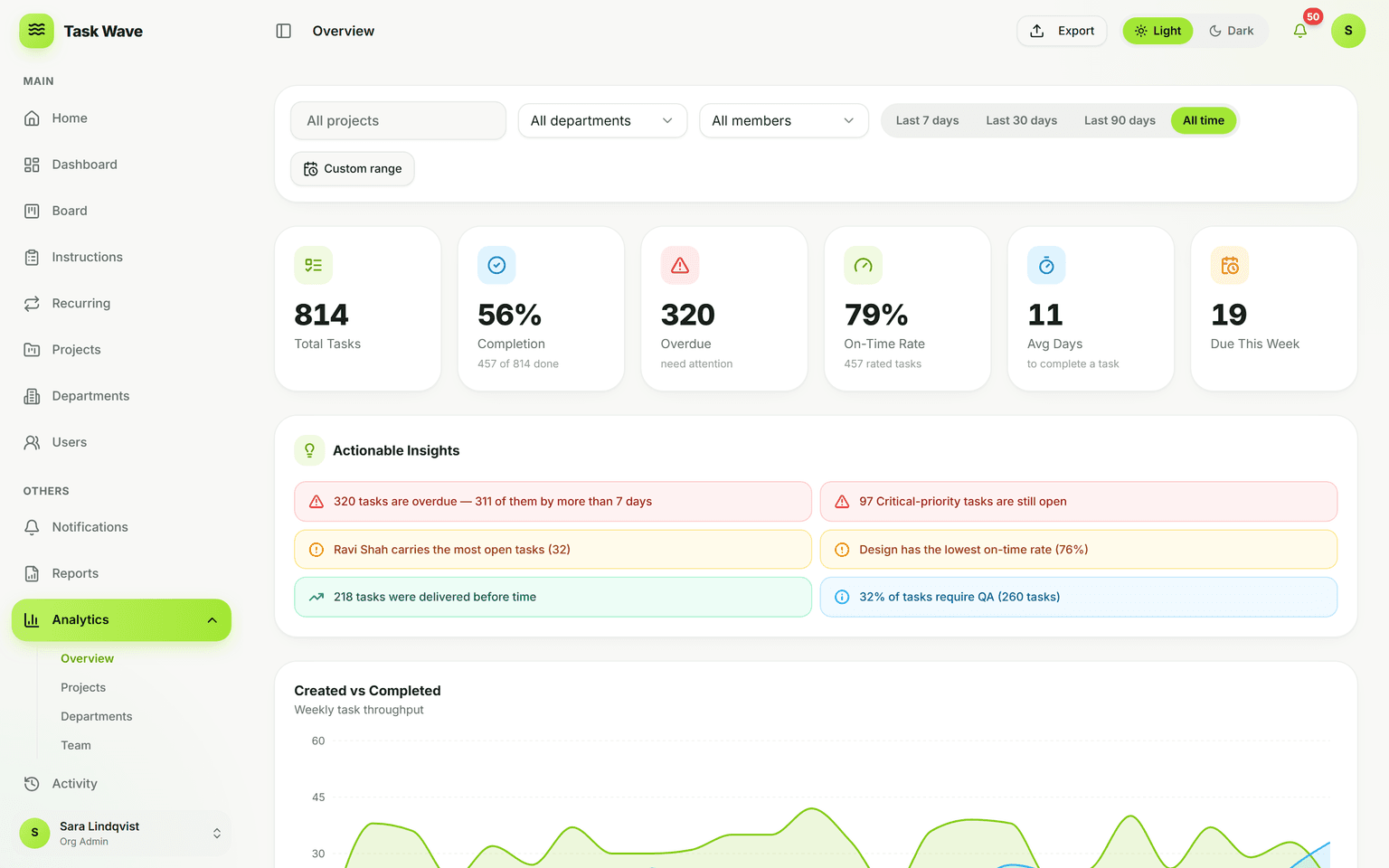
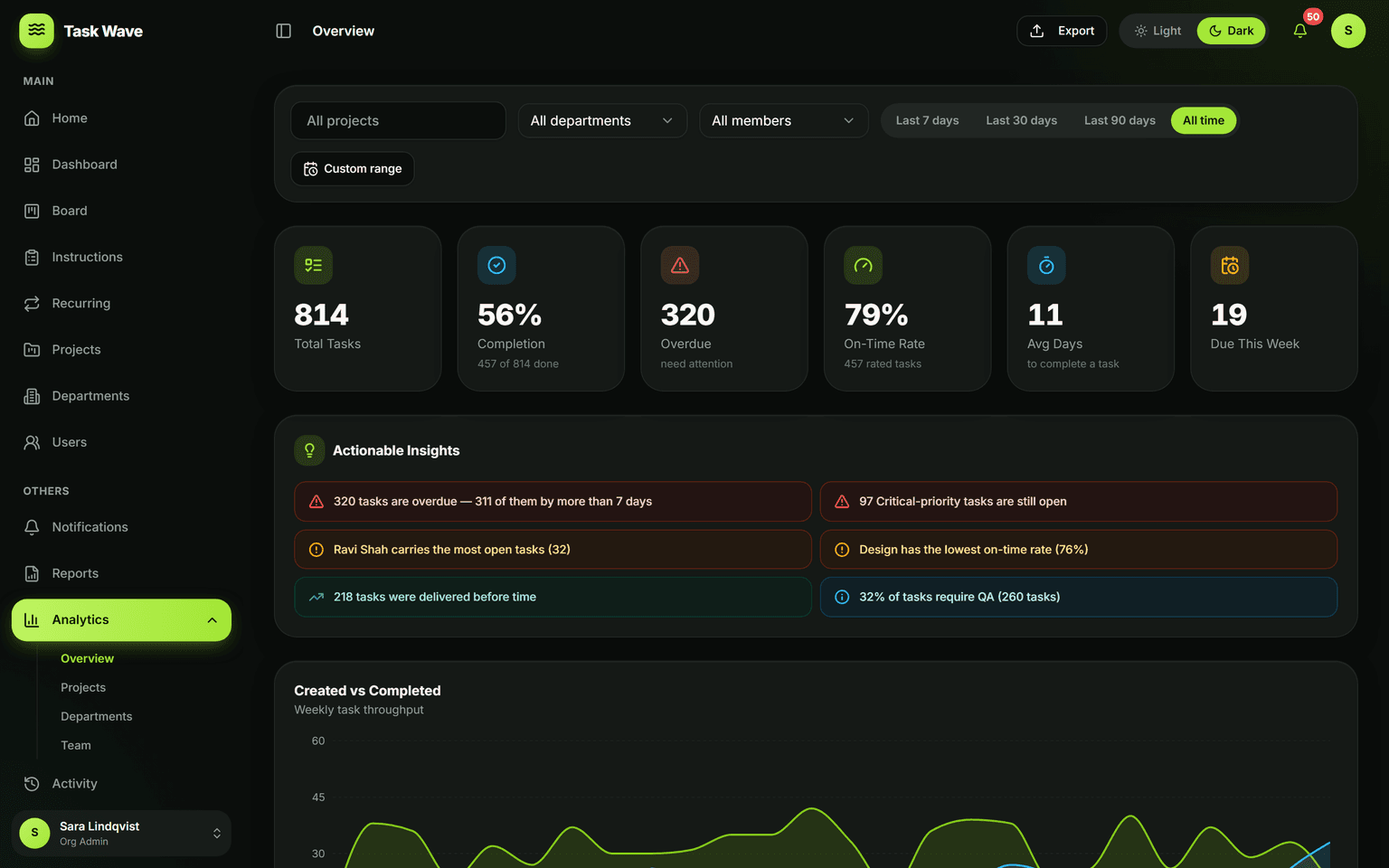
Workload management in TaskWave means seeing load by member and department at a glance, spotting overcommitment early, and rebalancing assignments directly in the grid. Combined with on-time analytics and reminders, you can keep commitments realistic and protect your team from burnout.
The cost of invisible workloads
Workload problems rarely announce themselves until it's too late. A team member who is carrying too much work doesn't usually escalate until they're already missing deadlines. A manager who doesn't have visibility into individual load can't redistribute before the slip. The cost of invisible workload shows up in missed deadlines, burnout, and team turnover — all of which are preventable if the overcommitment is seen early enough to act on.
Seeing load by member and department
TaskWave's workload view shows how many open tasks each person currently carries and their on-time rate — in one view. The same data rolls up to the department level, so a manager can see not just who is overloaded individually, but whether the whole department is at capacity. Both views support date-range filtering, so you can look at projected load for the coming two weeks, not just today's snapshot.
What the workload view reveals
- Open task count per person — raw volume of work in flight
- On-time completion rate per person — whether load is affecting delivery quality
- Department-level task totals — which teams carry the most work organization-wide
- Comparison across team members — who has room and who is overextended
Rebalancing before the miss happens
When you spot a mismatch — one person with 14 open tasks while a colleague has 3 — you can reassign directly in the task grid. Click the assignee field on any task, pick a new owner, and the workload view updates immediately. The whole rebalancing loop is inside one tool: identify the imbalance in analytics, fix it in the grid, verify in analytics. No spreadsheets, no offline planning.
Protecting team health and realistic commitments
Workload management is also a commitment management tool. Before assigning a new project to a department, you can check their current load in the workload view. Before promising a delivery date to a client, you can verify that the assigned team member has realistic capacity. This turns workload management from a reactive cleanup job into a proactive capacity check at the point of commitment.
Workload management across roles
Team leads can manage their department's workload within their own scope. Project managers see workload across all projects they manage. Org admins see the whole organization. Each role has the visibility appropriate to their accountability — so a team lead isn't overwhelmed by org-wide data, and an org admin can spot systemic issues across departments.
Who benefits most from workload management
- Team leads who want to protect their team without micro-managing every assignment
- Project managers with multiple active projects and shared team members
- Agency and consulting leads managing utilization and preventing burnout
- HR and operations leaders who treat capacity as an org-level resource to manage
Related features
Workload management is part of analytics (the workload view) and relies on task management (the grid where reassignments happen). It connects to departments (team-level aggregation), resource management (the broader capacity picture), and project planning (where commitments are made against existing capacity).