Feature
Departments & Teams
Structure work by department
Group people into departments led by team leads, with department-scoped visibility and assignments.
- Department-scoped access & visibility
- Team-lead management of members
- Multi-department tasks
- Department-level analytics
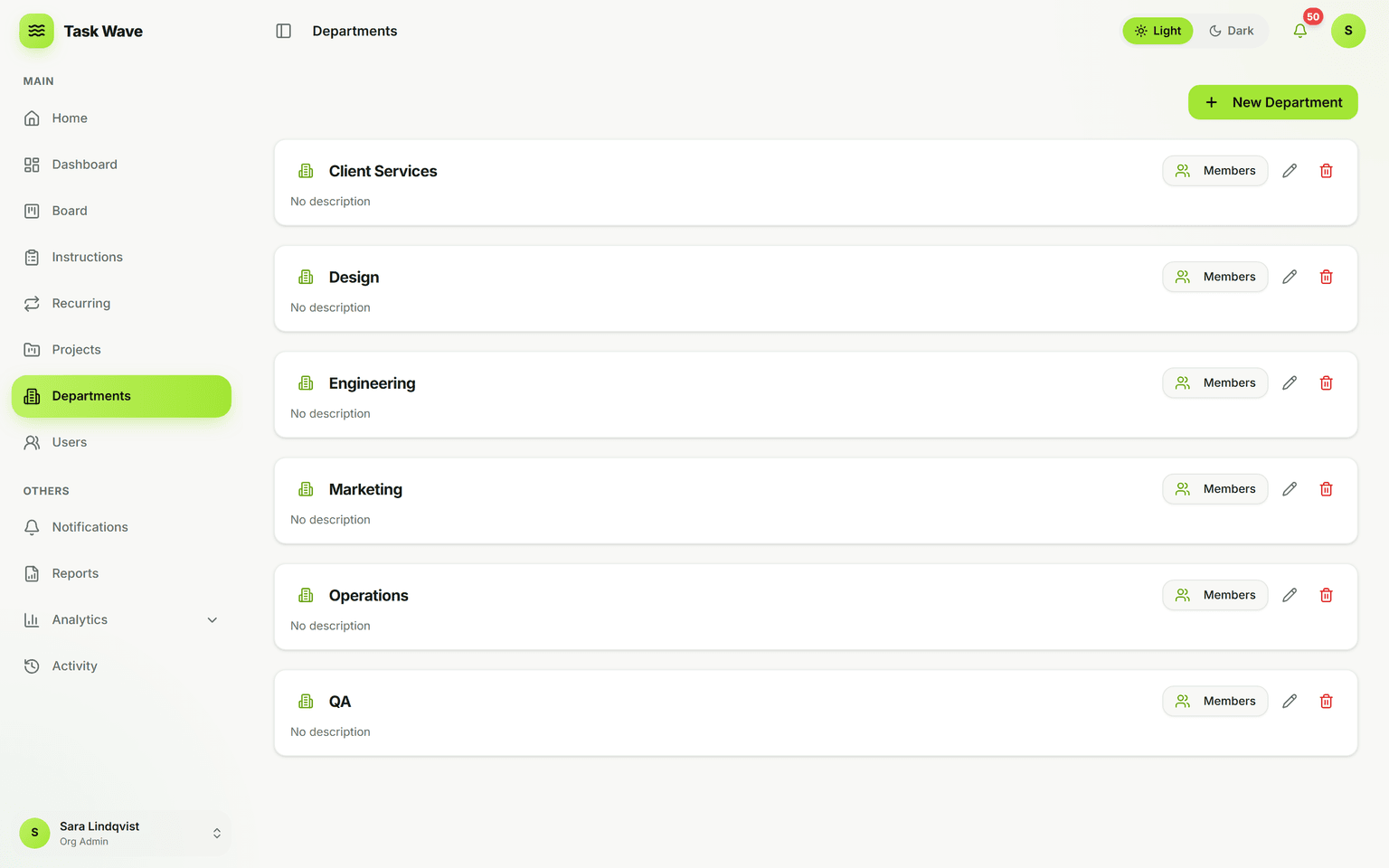
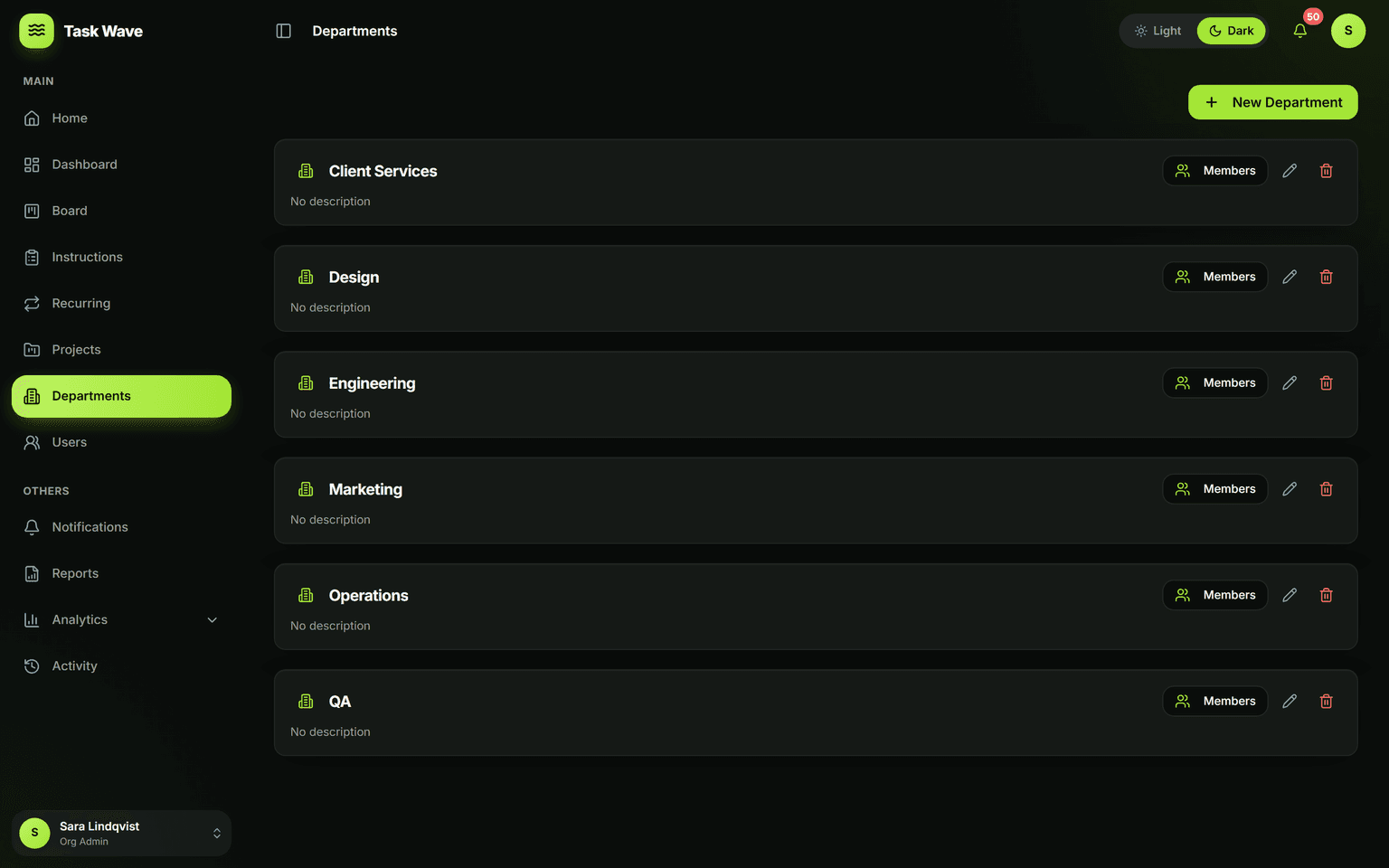
Departments mirror how your organization actually works. Each department has a team lead who manages its members and sees its work, while members focus on what’s assigned to them. Tasks can span multiple departments, and analytics roll up by department so you can plan capacity and spot bottlenecks at the team level.
Why departments matter in a work platform
Most teams are not flat. They have functions — design, development, marketing, operations — each with different work, different access needs, and sometimes different managers. A platform without department structure treats everyone the same, which means either over-sharing (everyone sees everything) or under-structuring (every team reinvents its own process). Departments in TaskWave mirror how organizations actually work.
How departments work in TaskWave
Each department has a name and a team lead. The team lead can assign tasks to department members, see all work scoped to their department, and manage membership — without needing org-admin rights. Members of a department see the tasks and analytics relevant to their function. Tasks can span departments (a design task that also involves development, for example), and analytics aggregate at the department level for workload planning.
Team leads: managed autonomy
The team lead role is designed for people who manage a function without managing the whole organization. A team lead can create and assign tasks in their department, view department analytics, manage who is in their department, and see their department's instructions and SOPs — all scoped to their domain. Above them, project managers and admins retain cross-department visibility.
Department-level analytics
Analytics in TaskWave break down by department, not just by organization. That means a head of design can see their department's throughput, on-time rate, and workload without looking at IT's numbers, and an operations manager can plan capacity per function. This is the data that makes department management proactive rather than reactive.
Row-level security
Visibility in TaskWave is enforced at the database layer, not just in the UI. That means a member cannot see tasks from another department by manipulating the app — the database simply won't return them. Departments become natural confidentiality boundaries, appropriate for HR, finance, legal, or any sensitive work.
Related features
Departments are the foundation for roles and permissions (5-tier access scoped to departments), analytics (per-department workload and throughput), instructions and SOPs (published per department), and recurring work (department-assigned recurring tasks).