Feature
Team Productivity
Measure and improve how work gets done
Throughput, on-time rate, and workload analytics that turn productivity into something you can manage.
- Throughput & on-time rate over time
- Workload balancing by team
- Automation removes busywork
- Shift-aware reminders cut misses
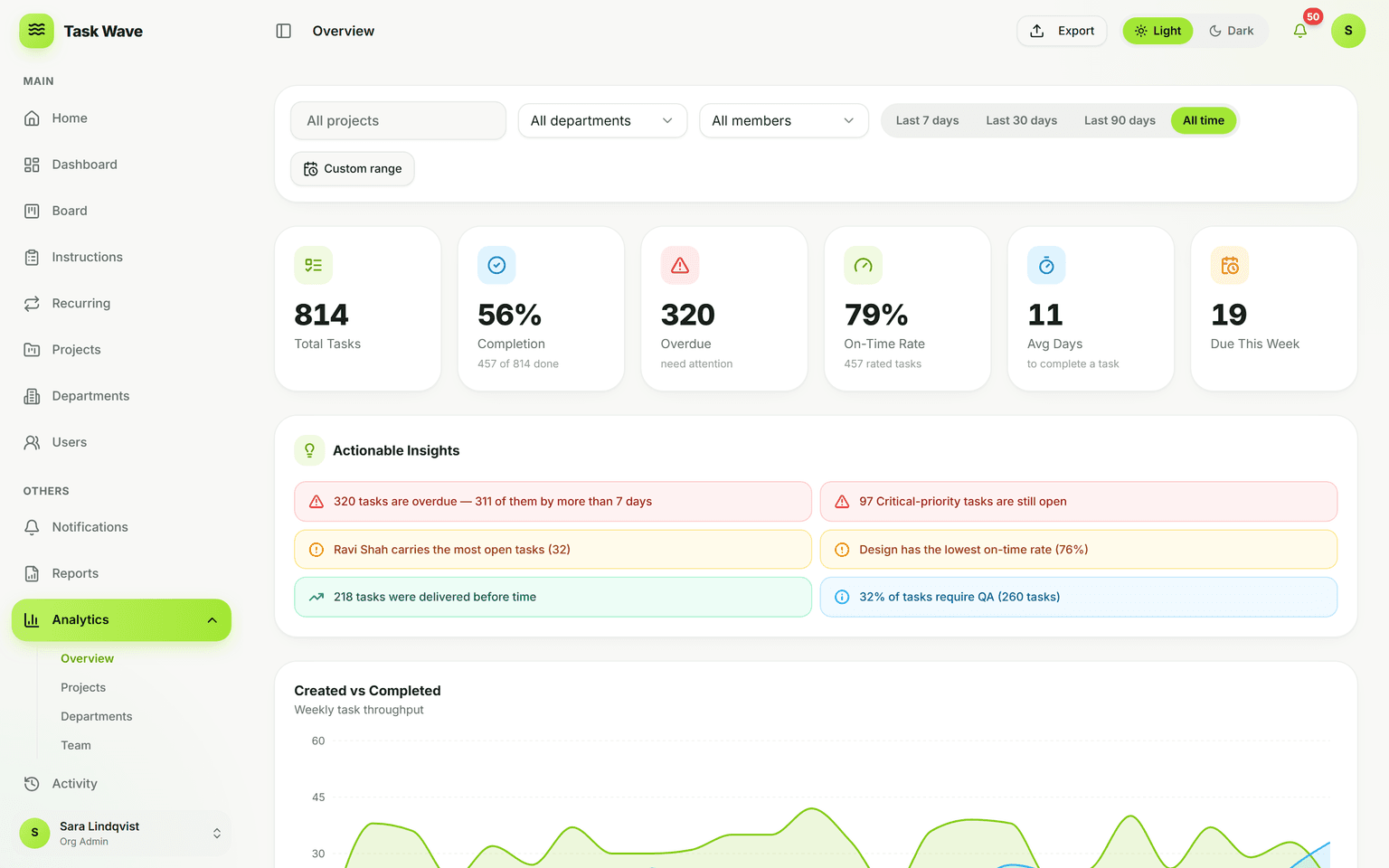
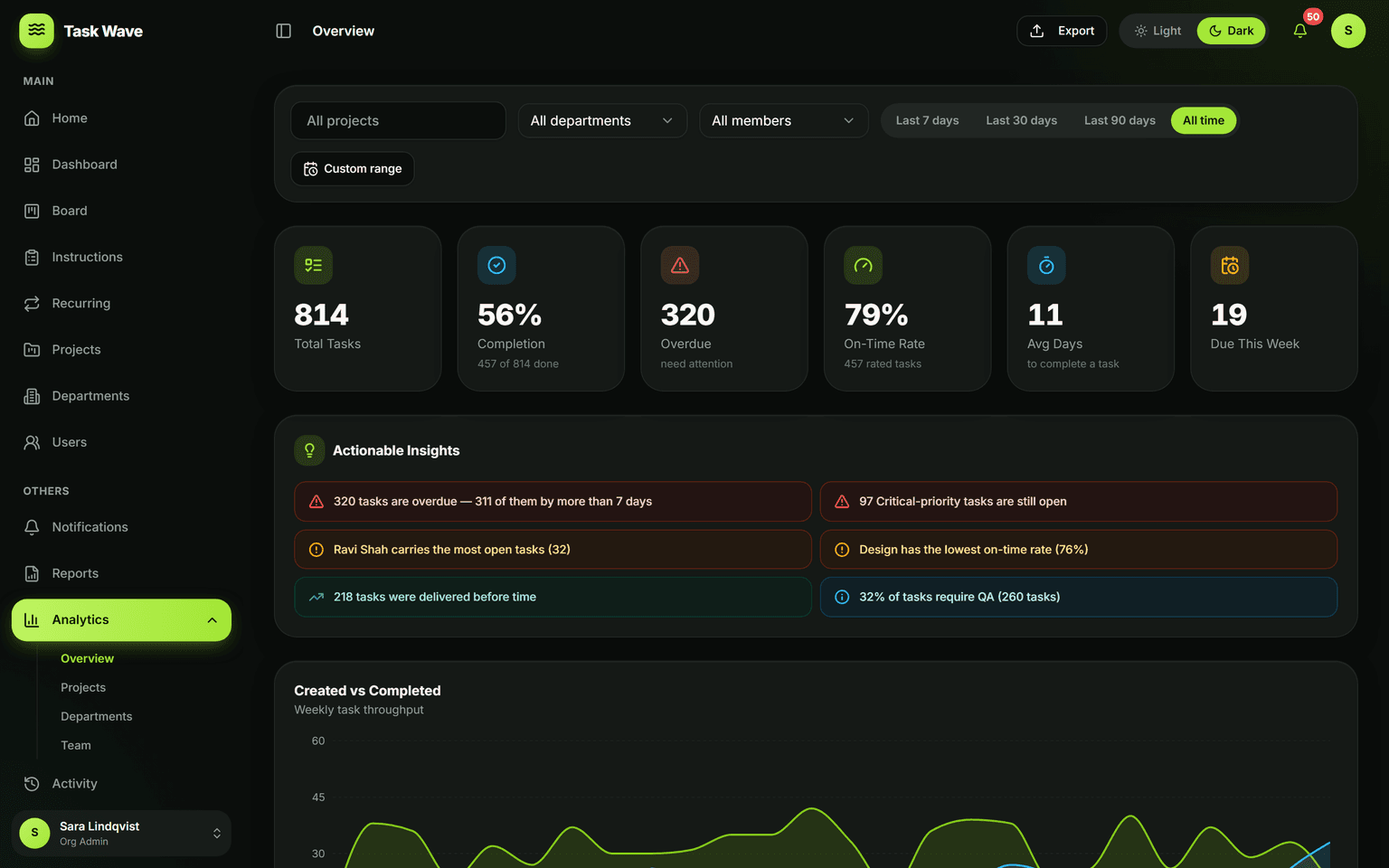
TaskWave makes team productivity measurable: track created-vs-completed throughput over time, on-time completion rate, and workload by person and department. Pair that with recurring automation (less busywork) and shift-aware reminders (fewer misses) to actually move the numbers — not just watch them.
What team productivity actually measures
Team productivity is not how busy a team is — busy teams can produce very little. It's the rate at which work gets done, the reliability of commitments, and the absence of bottlenecks that slow everything down. Real productivity is throughput you can measure, on-time rates you can improve, and automation that removes the work that shouldn't require a human at all.
Throughput: the core productivity metric
Throughput — tasks created vs. tasks completed over time — is the most honest measure of how a team is performing. When the completion line runs below the creation line for several weeks, something is wrong: too much intake, not enough capacity, or unresolved blockers. When completion consistently tracks creation (or runs above it), the team is healthy and delivering. TaskWave's throughput chart makes this visible without a spreadsheet.
On-time rate: measuring commitment reliability
A high throughput rate is hollow if most of what's completed is late. On-time rate captures whether a team's commitments mean anything: are tasks finishing by when they were supposed to? TaskWave tracks on-time, early, and late scores automatically — by project, department, person, and date range — so you can see patterns (certain types of work always run late, certain team members consistently deliver early) and act on them.
Removing busywork with automation
A meaningful portion of most teams' time goes to recreating routine tasks that repeat every week or month. Recurring task templates eliminate this: define the template once and TaskWave generates the work on schedule, assigned to the right owner, with the right due date. The time saved from manual recreation compounds across every cycle, for every recurring process.
Reminders that cut missed deadlines
Productivity suffers when tasks slip past their due dates unnoticed. TaskWave's shift-aware reminder system sends due-today and overdue alerts to task owners, via their preferred channel (in-app, email, Teams, or WhatsApp). Reminders don't add work — they prevent the follow-up overhead of chasing completion after a miss.
Closing the loop: acting on what analytics tell you
Analytics without action are just a view. When the workload view shows that one person carries 15 open tasks while a teammate carries 4, you can reassign in the grid immediately. When the on-time rate for one department drops, you can investigate the specific tasks that drove the drop. When recurring work shows a consistent delay, you can adjust the ETA offset in the template. The platform supports the whole loop.
Who uses productivity analytics most
- Operations managers improving delivery consistency across multiple teams
- Project managers benchmarking one project's performance against previous ones
- Team leads tracking their department's throughput and identifying stuck patterns
- Leadership looking for org-wide productivity trends in a single dashboard
Related features
Team productivity analytics are powered by task management (the throughput data), analytics (the dashboard and charts), recurring work (to automate and reduce manual task creation), and notifications and reminders (to reduce missed deadlines).