Feature
Task Tracking
Track every task from start to done
Track status, priority, owner, due date, and on-time performance for every task in a keyboard-fast grid.
- Inline status, priority & date tracking
- Automatic on-time performance scoring
- Filters, search & saved views
- Full task history in the activity log
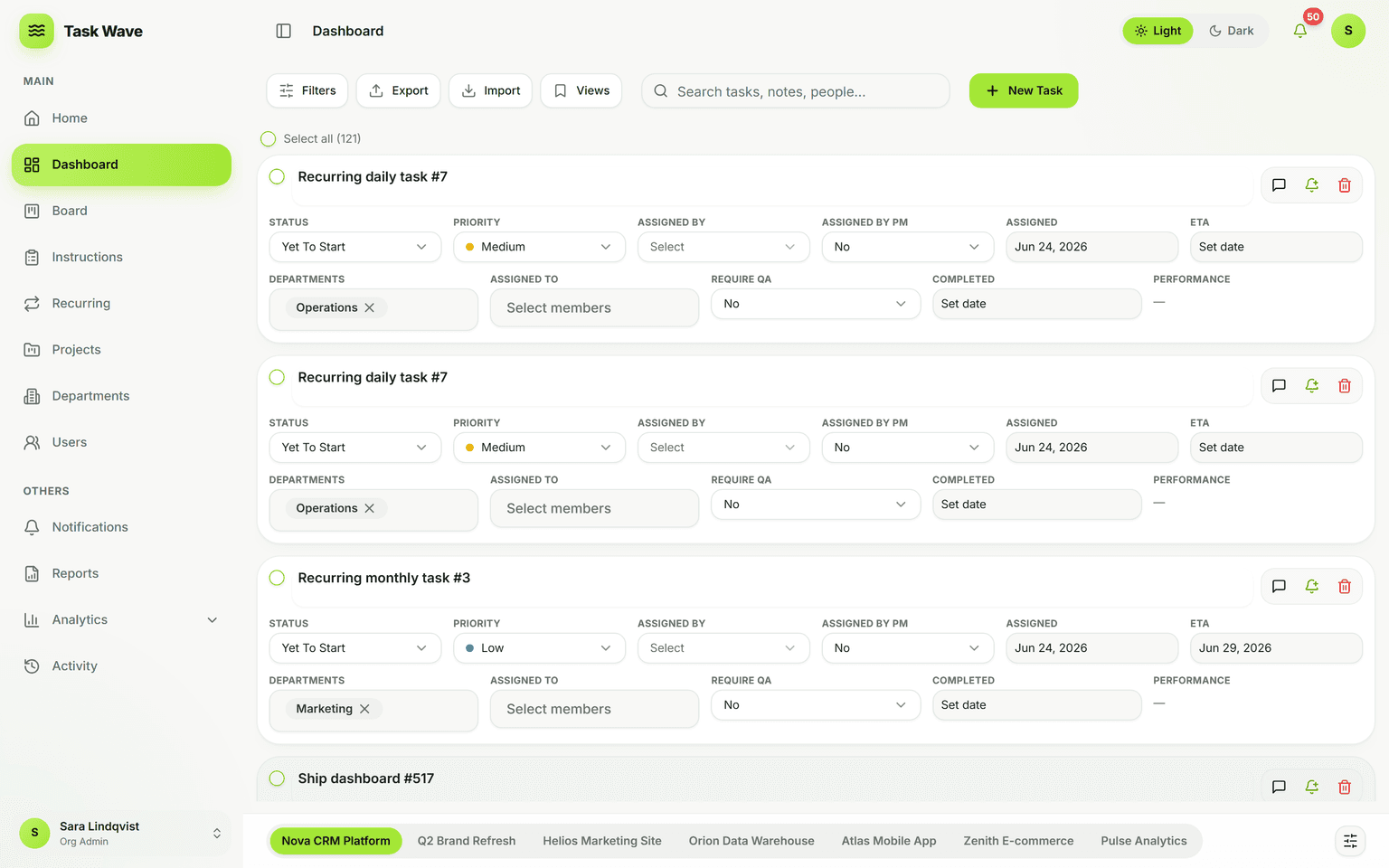
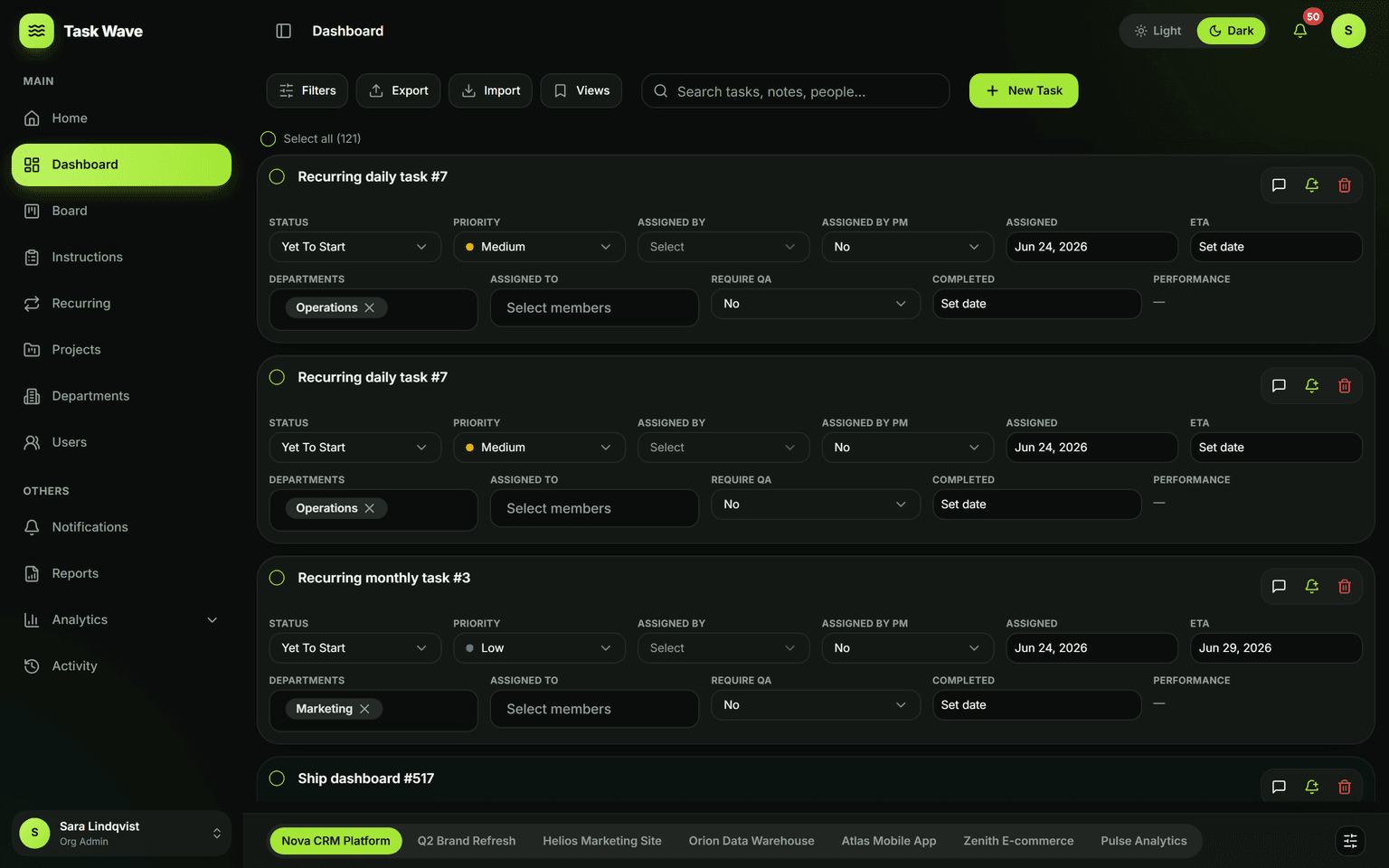
Task tracking in TaskWave means real visibility: each task carries an owner, department, priority, assigned date, and ETA, and TaskWave automatically scores on-time performance by comparing the completed date to the ETA. Filter and search across every field, save the views you use most, and open the drawer for comments, files, and a full activity timeline.
What task tracking really means
Task tracking is more than knowing a task exists — it means knowing who owns it, when it's due, whether it's on track, and what happened since it was created. Without structured tracking, work lives in memory, chat threads, and follow-up emails. With it, every task is a first-class record that anyone with access can query, update, and audit at any time.
Every task in TaskWave carries a full record
- Owner (assigned to) and requestor (assigned by)
- Department and project it belongs to
- Priority: Critical, High, Medium, or Low
- ETA (expected completion date) and assigned date
- Status: Yet To Start, In Progress, On Hold, Client Review Pending, or Completed
- Completed date — compared to ETA to score on-time performance automatically
- Issue, Issue Description, and Revisions for QA and revision-heavy workflows
Automatic on-time performance scoring
When a task is completed, TaskWave compares the completed date to the ETA and scores the task early, on time, or late. These scores aggregate into an on-time completion rate that rolls up into analytics — per project, per department, per person. You don't calculate performance; you just track work honestly, and performance appears as a result.
Filters, search, and saved views
The task grid is fully filterable and searchable across every field. Filter by assignee, department, status, priority, or date range. Search across task names and descriptions. Save the resulting view so you don't recreate it every session — your "My open tasks" view or "Overdue across all projects" view is one click away when you come back.
The task drawer: context where you need it
Open any task to reveal the full drawer: read and write comments, upload and preview attachments, check issue notes and revision counts, and read the complete activity timeline — who created it, who changed the status, who completed it, and when. The drawer gives you the full history of a task without leaving the grid.
Tracking across projects
Project managers and admins get a cross-project view: filter the grid to see all tasks assigned to one person across every project, or all overdue tasks org-wide. Team leads see their department's work across all projects it's involved in. Tracking scales from a single project view to an organization-wide operations dashboard without switching tools.
Who benefits most from structured task tracking
- Project managers who need real-time delivery visibility across their portfolio
- Team leads who want to see load and progress without a status meeting
- Operations teams running many concurrent tasks across departments
- Any team that wants a reliable record of what was done and when
Related features
Task tracking is the foundation for analytics (on-time rates, throughput), reports (export what you tracked), the Kanban board (a visual view of tracked tasks), and notifications (alerts triggered by the same status and date fields you track).