Feature
Resource Management
Balance capacity across people and teams
See workload by member and department so you can staff work without burning anyone out.
- Workload by member & department
- Spot overload before it causes slips
- Rebalance work in a click
- Plan with custom date ranges
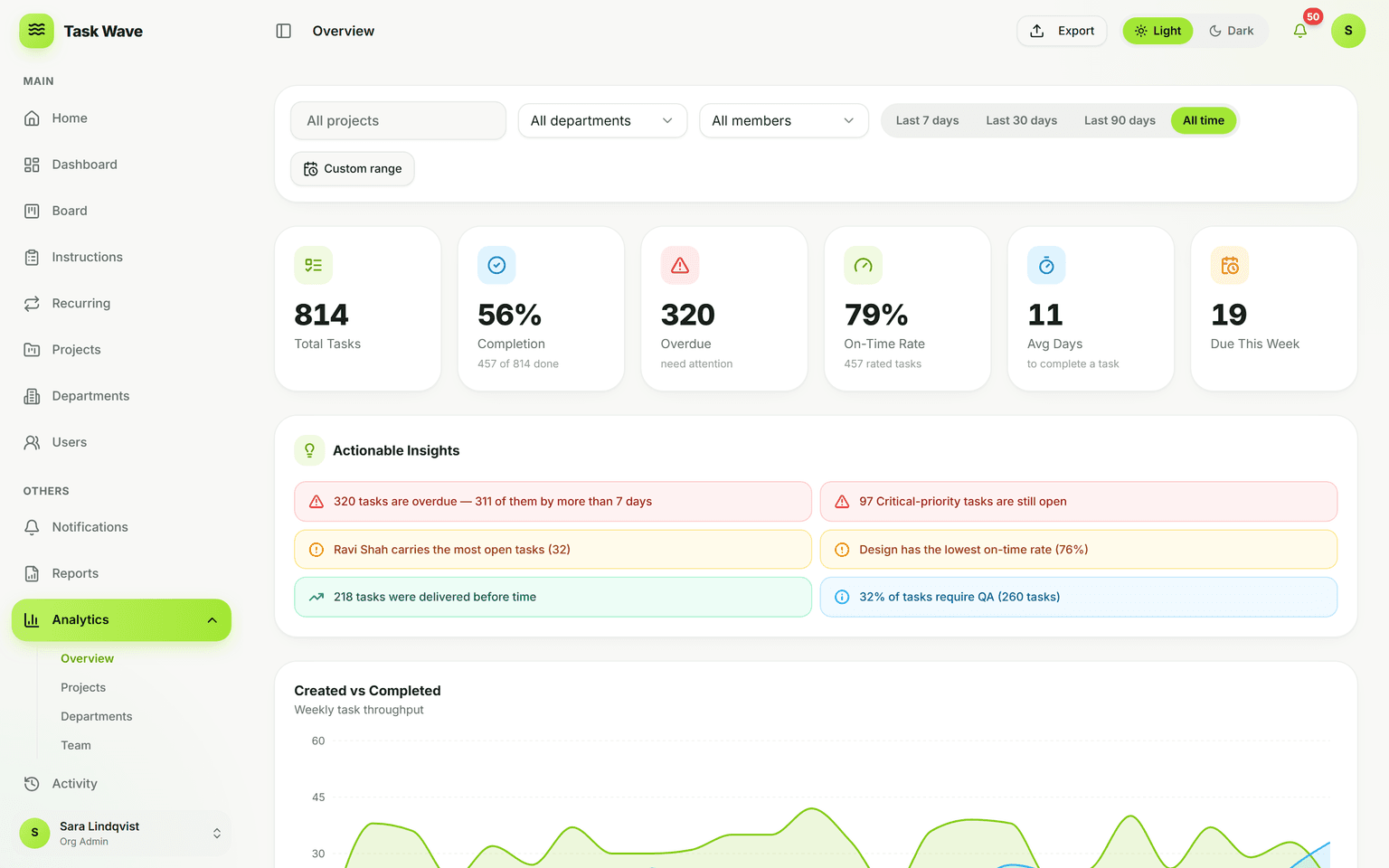
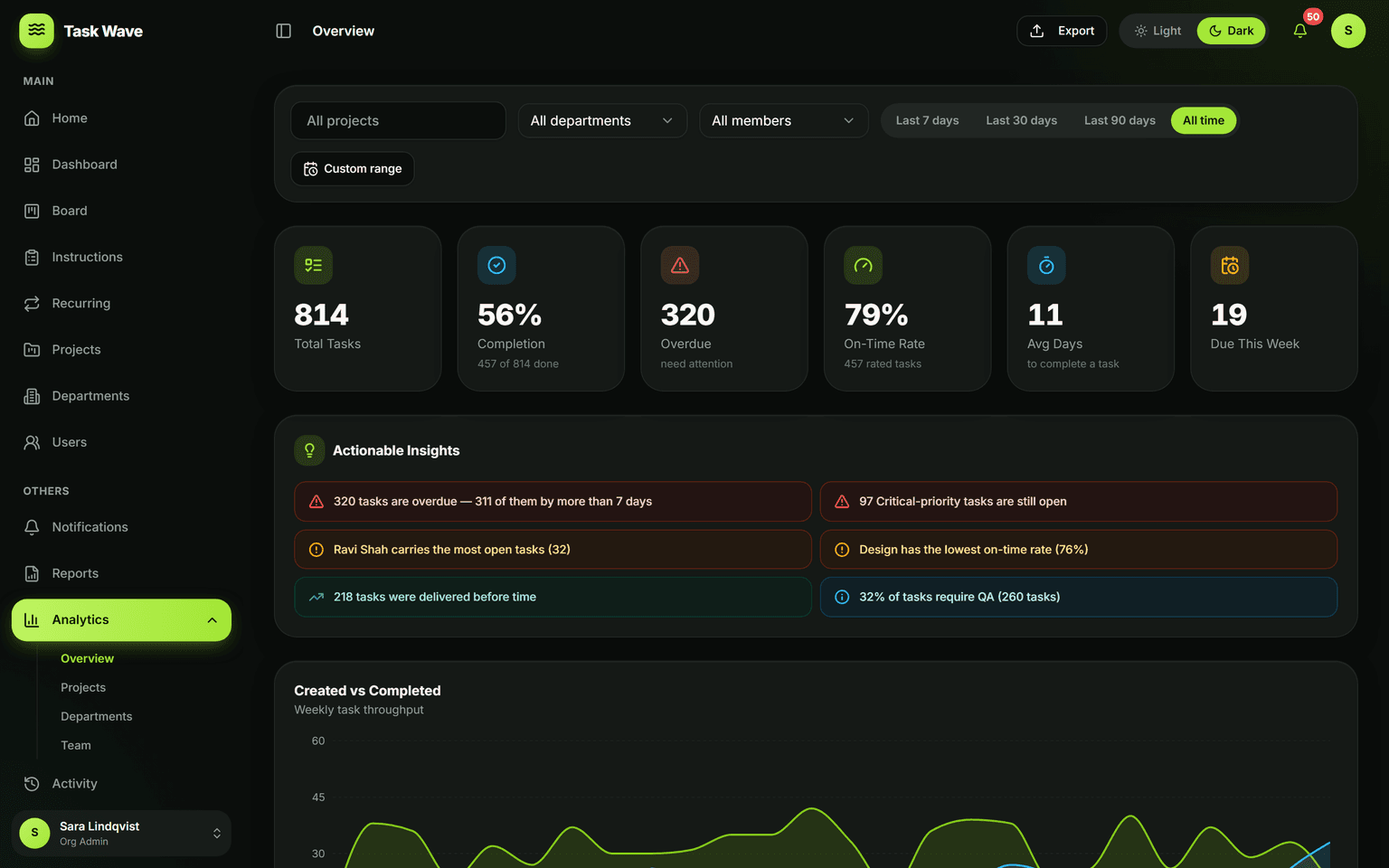
TaskWave gives you the visibility to manage your team as a resource: workload analytics show load by person and department, so you can spot who’s overloaded and who has room, then rebalance work in the grid. Departments and team leads mirror your real structure, and custom date ranges let you plan ahead or review the past.
What resource management means for teams (not just enterprise)
Resource management is the practice of knowing how much work each person carries, before commitments are broken. For large organizations, that means workforce planning software. For most teams, it means one question: "Is Sarah actually able to take on this project by Friday?" Without visibility into existing load, managers guess — and teams pay the price in overwork, missed deadlines, and burnout.
Workload by member and department in TaskWave
TaskWave's analytics include a workload view that shows how many tasks each team member currently carries, their on-time completion rate, and how their load compares to teammates. The same view rolls up to the department level so you can plan capacity by function, not just by individual. Both views support custom date ranges, so you can look at projected load for the next two weeks, not just today.
What the workload view tracks
- Open task count per person (how many tasks are currently assigned)
- On-time rate per person (are commitments being kept?)
- Department-level task volume (which teams are busiest?)
- Drill-down by project or date range to scope the view
Catching overcommitment before it causes slips
The danger in overcommitment is that it's invisible until someone misses a deadline. By the time you know a person is overloaded, they're already late. The workload view makes overcommitment visible days or weeks earlier, so you can redistribute work — or adjust scope — before the slip happens. This is the difference between managing reactively and managing proactively.
Rebalancing in the grid
When you spot a mismatch in the workload view — one person carrying 12 open tasks while a teammate carries 3 — you can rebalance directly in the task grid. Reassign tasks by clicking the assignee cell; the workload view updates immediately. The whole rebalancing loop happens inside one tool, without switching between a dashboard and a spreadsheet.
Team-level capacity planning
Department-level analytics support planning at the team level: if a department is about to take on a new client engagement, you can see current team load in the workload view and project whether the capacity exists, before making the commitment. This is especially useful for agencies, IT teams, and consulting firms where utilization determines profitability.
Who benefits most from resource management visibility
- Project managers juggling multiple concurrent deliverables across a team
- Team leads responsible for a department's output without org-admin rights
- Agency and consulting leaders managing utilization and staffing decisions
- Operations teams where unexpected overload drives quality or safety risk
Related features
Resource management in TaskWave is powered by analytics (the workload view) and task management (the reassignment grid). It connects to departments (team-level aggregation) and project management (per-project capacity checks).