Feature
Reports
Export-ready operational reports
Generate and export multi-sheet reports for leadership and client updates.
- Multi-sheet Excel export
- Scoped by role
- Shareable summaries
- Generated from live data
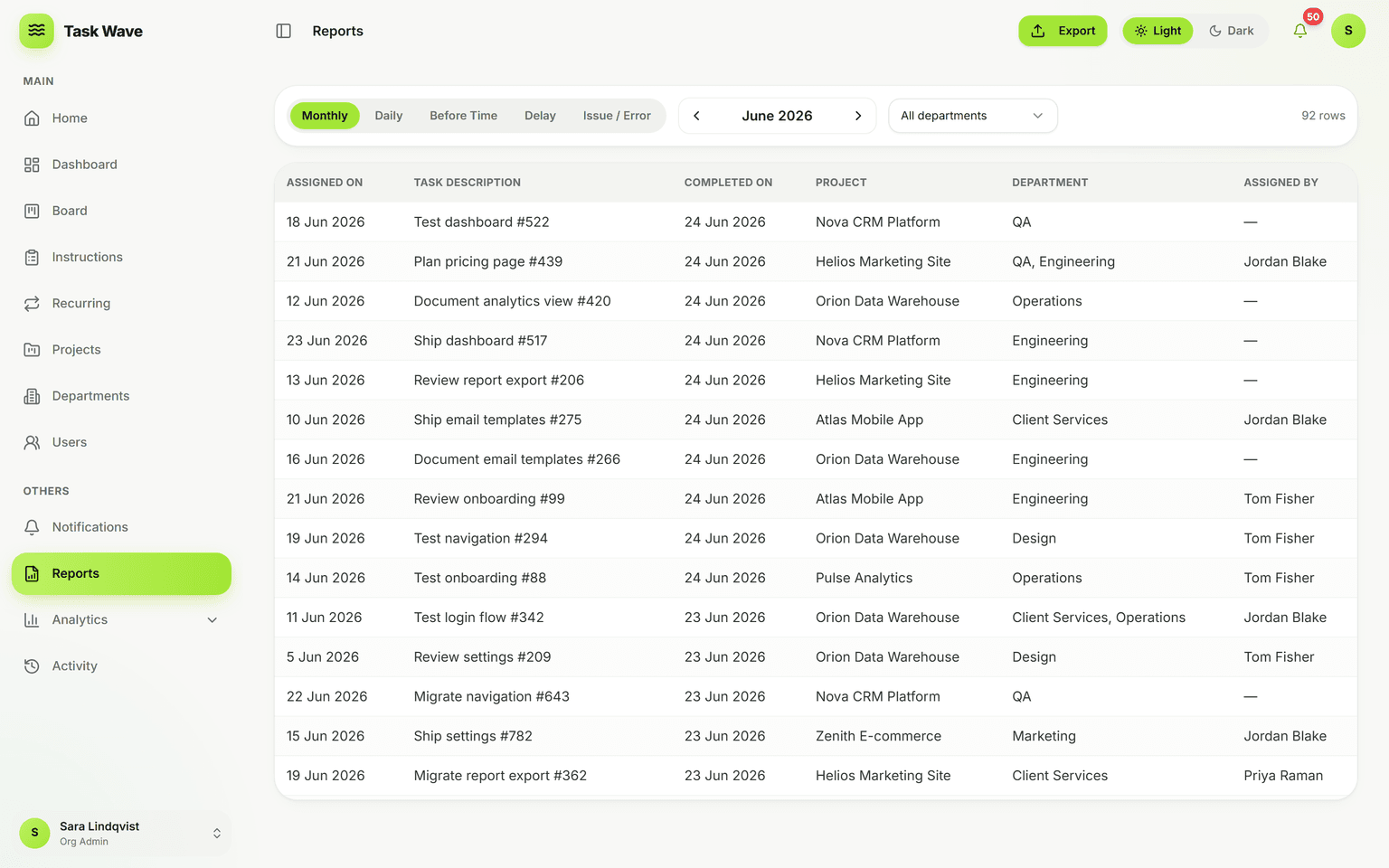
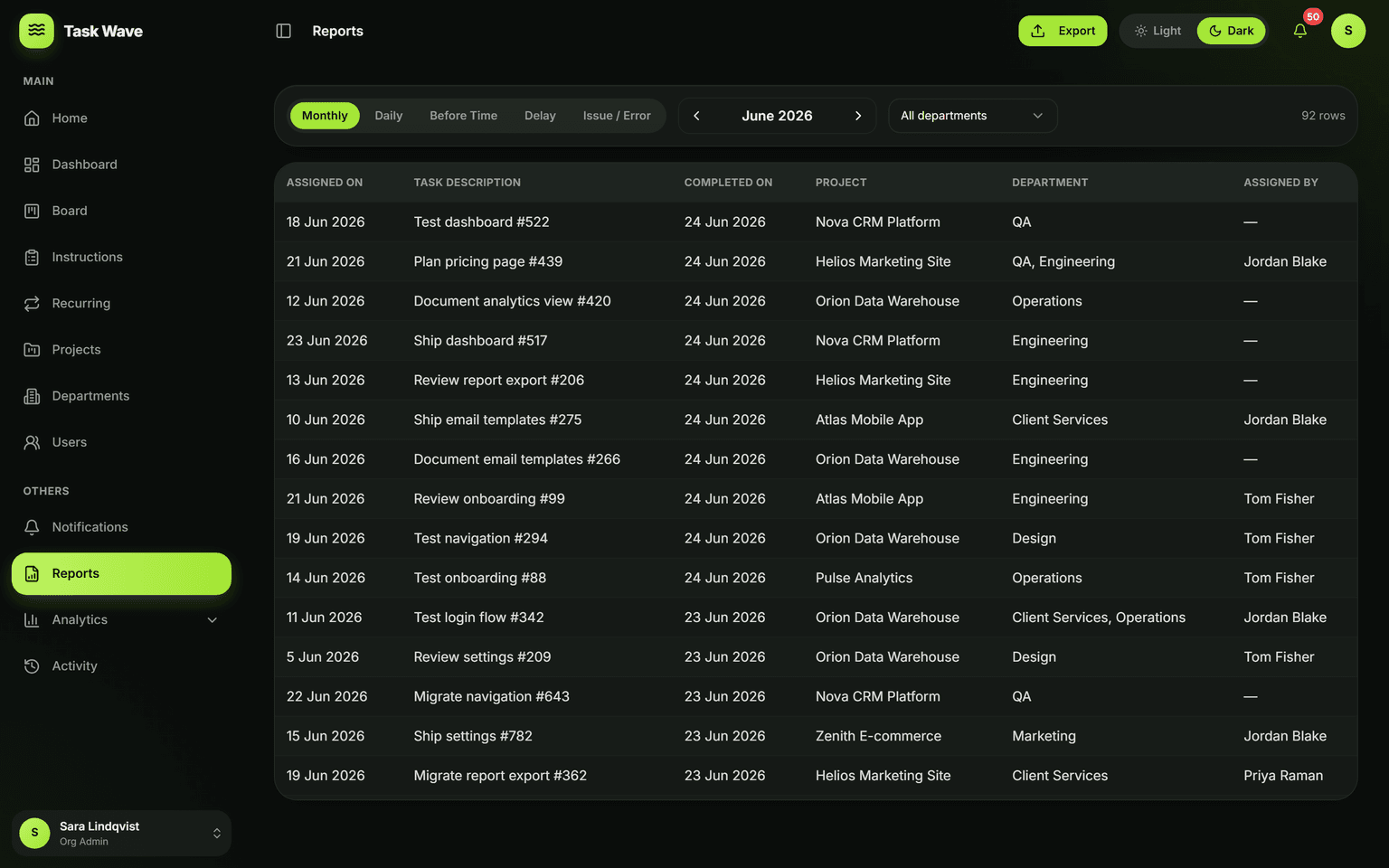
When you need to share progress outside the app, generate multi-sheet, export-ready reports from live data — scoped to what each role can see. Client and leadership updates that used to take hours take minutes, with no copy-paste.
Who needs reports and why
Most work happens in a live system. Most updates go to people who aren't in that system — leadership, clients, partners, board members. Reports are the bridge: they take the live data you've been tracking and turn it into something shareable, professional, and easy to understand. In TaskWave, that bridge is generated in seconds rather than hours.
What TaskWave reports include
- Task status summary: a breakdown of work by status, project, department, and assignee
- On-time performance: how many tasks completed on time vs. late vs. early
- Throughput: how many tasks were created and completed in the period
- Overdue summary: which tasks have passed their ETA and by how long
- Multi-sheet export: all of the above in a single, downloadable spreadsheet
Role-scoped output
Reports only include data the generating user is allowed to see. A team lead generates a report covering their department; an org admin generates a full-organization report; a PM generates a report covering their projects. Nobody accidentally shares data they shouldn't, and there's no extra configuration required.
Use cases for TaskWave reports
- Monthly or quarterly leadership updates on delivery performance
- Client progress reports for agencies and consulting firms
- Project post-mortems with on-time and throughput data
- Compliance and audit evidence for industries with accountability requirements
- Team performance reviews grounded in objective delivery data
Reports vs. analytics
Analytics in TaskWave are live and interactive — they answer "what's happening right now?" Reports are point-in-time exports — they answer "what happened over this period, for this audience?" Both use the same underlying data, which means reports are always consistent with what the team sees in analytics.
Related features
Reports are the external-facing counterpart to analytics, and they rely on the same task management data. They pair naturally with departments (scoped reports per team), project management (per-project summaries), and multi-org (cross-organization reporting for super admins).