Feature
Project Planning
Plan projects with owners and dates
Break projects into tasks with owners, departments, priorities, and ETAs — then track delivery.
- Tasks with owners, departments & ETAs
- Recurring templates for routine plans
- Reminders keep dates on track
- Analytics show plan vs. actual
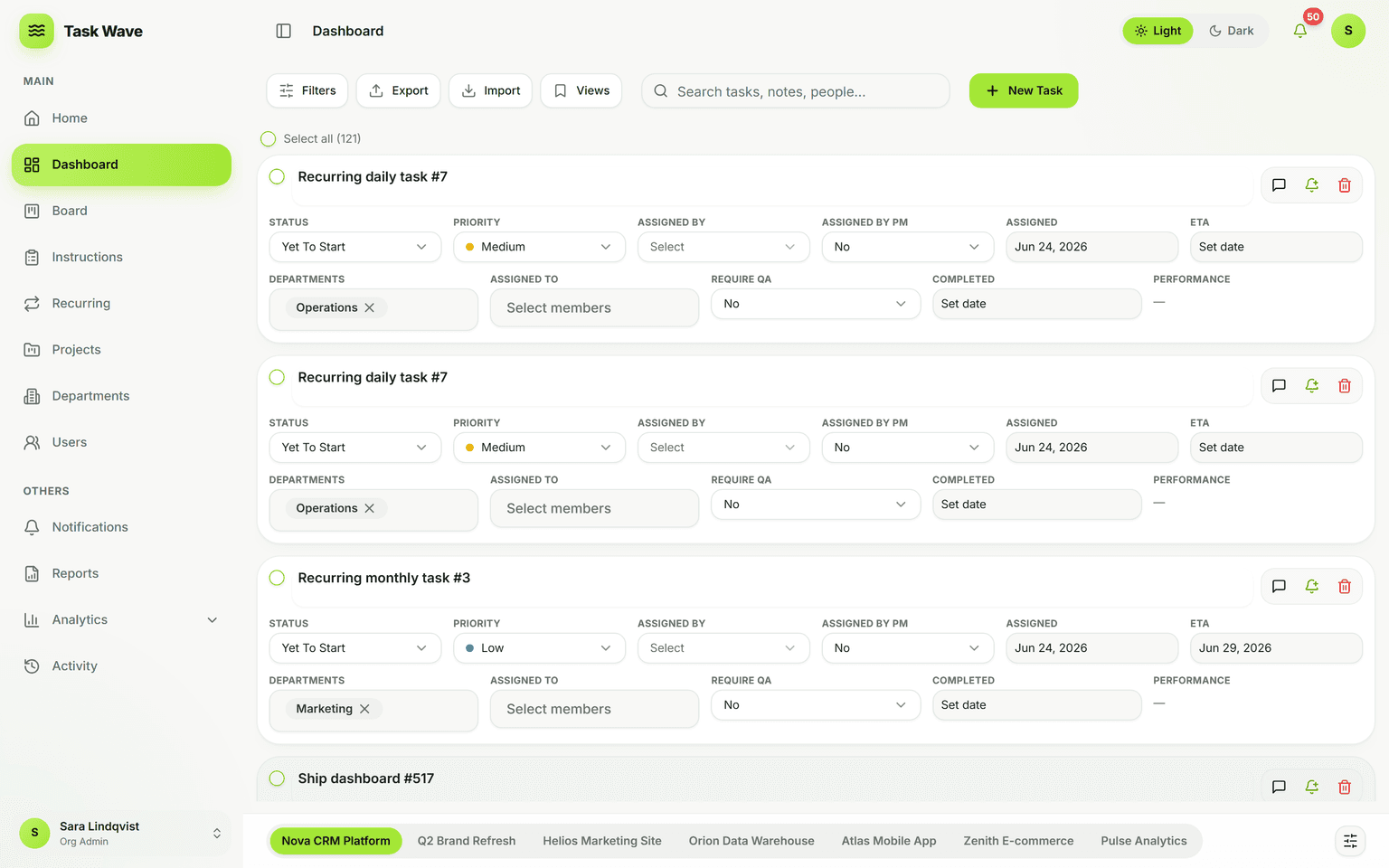
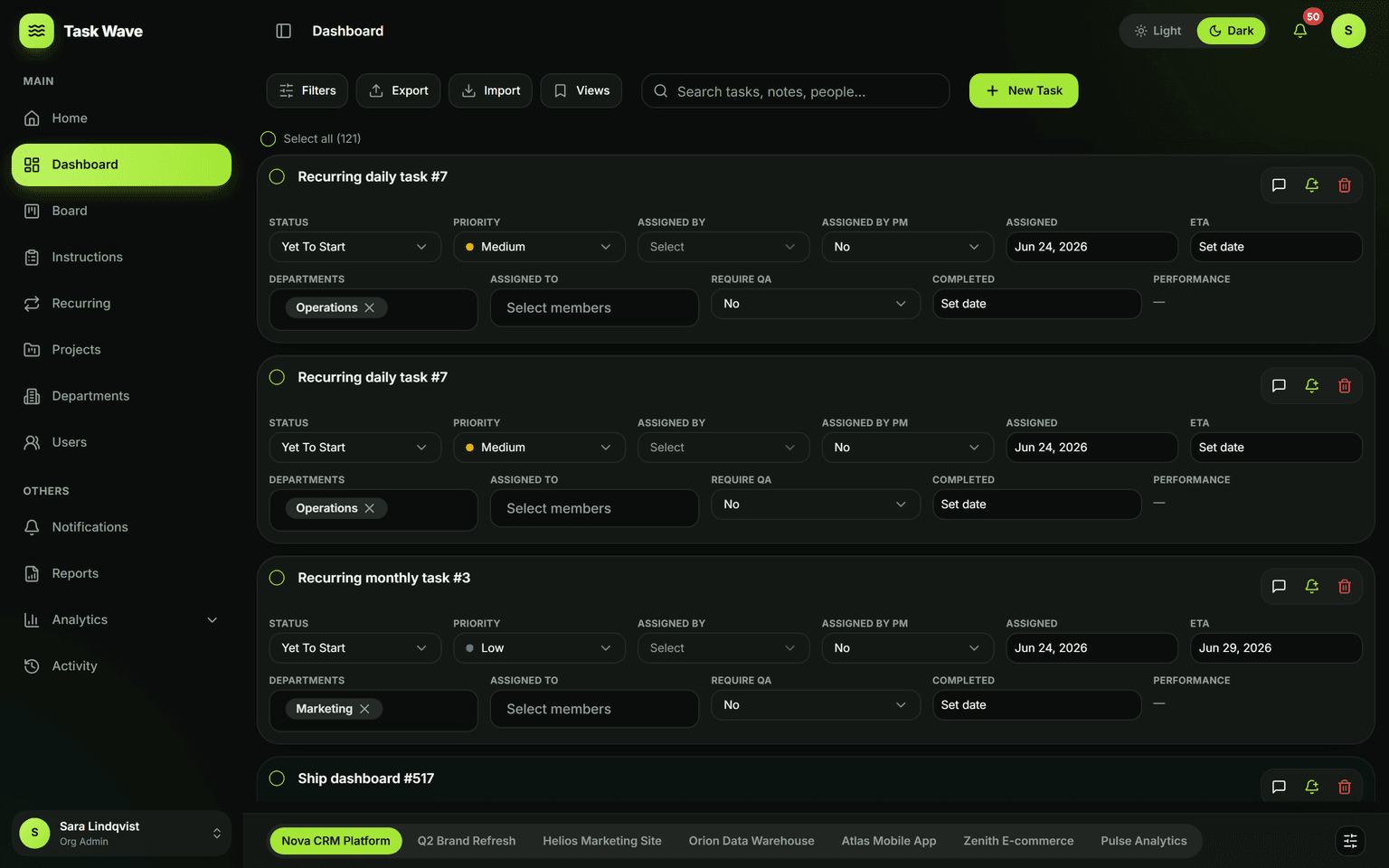
Plan a project by assigning a manager, recording stakeholders for context, and breaking the work into tasks with clear owners, departments, priorities, and due dates. Recurring templates handle routine planning, reminders keep dates honest, and analytics show whether the plan is on track — so planning leads to delivery, not just a document.
What project planning looks like in TaskWave
Project planning is the work that happens before the work: defining what needs to happen, who owns each piece, when it needs to be done, and how you'll know you're on track. In TaskWave, planning and execution happen in the same place — so the plan doesn't drift from reality, and tracking doesn't require a separate tool.
Breaking a project into tasks with owners and ETAs
Start by creating a project and assigning a project manager. Then break the scope into tasks — each with a name, department, assignee, priority, and ETA. Stakeholders can be tracked as an "assigned by" field for context (no logins required). Once tasks are live in the grid, owners can see their assignments, update status, and log progress as work happens.
What each planned task carries
- Owner (who does the work) and requestor (who requested it)
- Department (which function is responsible)
- Priority: Critical, High, Medium, or Low
- ETA (the committed due date) and assigned date
- Status (the current stage in the work)
- On-time performance score — calculated automatically when completed
Recurring templates for routine plans
Not every project is one-off. Monthly reports, quarterly reviews, client retainer work, and maintenance cycles repeat on schedule. Define a recurring template once — with the same owners, departments, priorities, and ETA offsets — and TaskWave generates the task at the right time, every cycle. The plan becomes a process.
Reminders that keep plans on track
A plan without accountability is a wish. TaskWave's reminder system sends due-today and overdue alerts to task owners, via the channel they prefer: in-app, email, Microsoft Teams, or WhatsApp. Reminders are shift-aware, so people aren't nudged outside their working hours. Project managers can also set custom reminders on critical tasks to monitor risk.
Analytics show plan vs. actual
At any point in a project, analytics show whether the plan is tracking: throughput (are tasks being completed at the rate they need to be?), on-time rate (are commitments being kept?), and workload (is the team overloaded, or is there capacity to accelerate?). This is plan vs. actual, in real time, without a separate reporting step.
What TaskWave doesn't have yet
Gantt chart timelines and dependency mapping are on the roadmap. Today, project planning uses the grid (for task-level scheduling), the Kanban board (for flow visibility), ETAs (for commitment tracking), and analytics (for delivery monitoring). For most teams, this combination covers the planning and delivery cycle end to end.
Related features
Project planning connects to project management (the project container and PM assignment), task management (the execution grid), recurring work (for repeating plan cycles), reminders (for keeping dates honest), and analytics (for plan-vs-actual visibility).