Feature
Notifications & Reminders
Never miss a due date
In-app notifications plus email, Microsoft Teams, and WhatsApp, with shift-aware reminder scheduling.
- Custom & recurring reminders
- In-app, email, Teams & WhatsApp
- Shift-aware timing
- Overdue & due-soon nudges
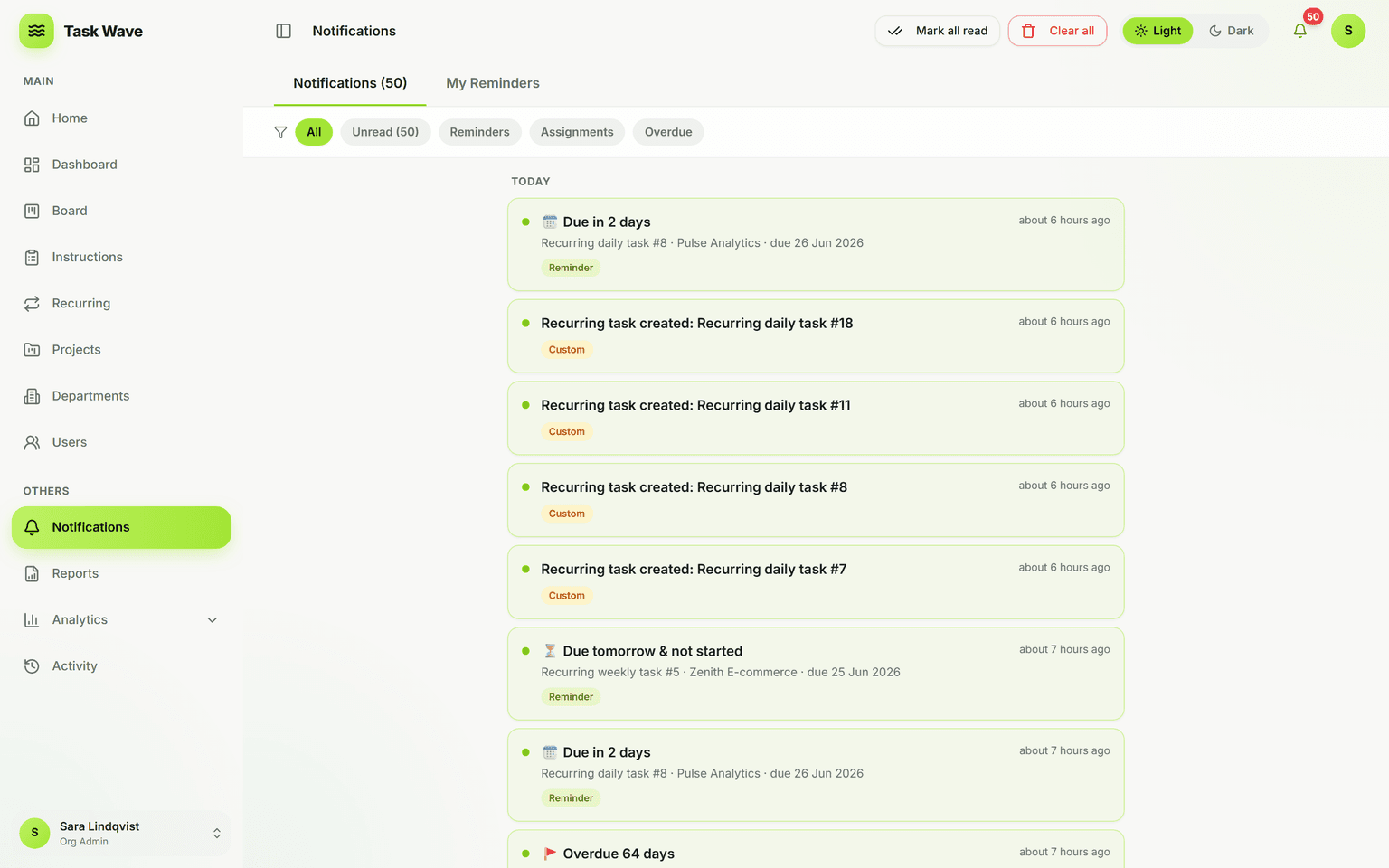
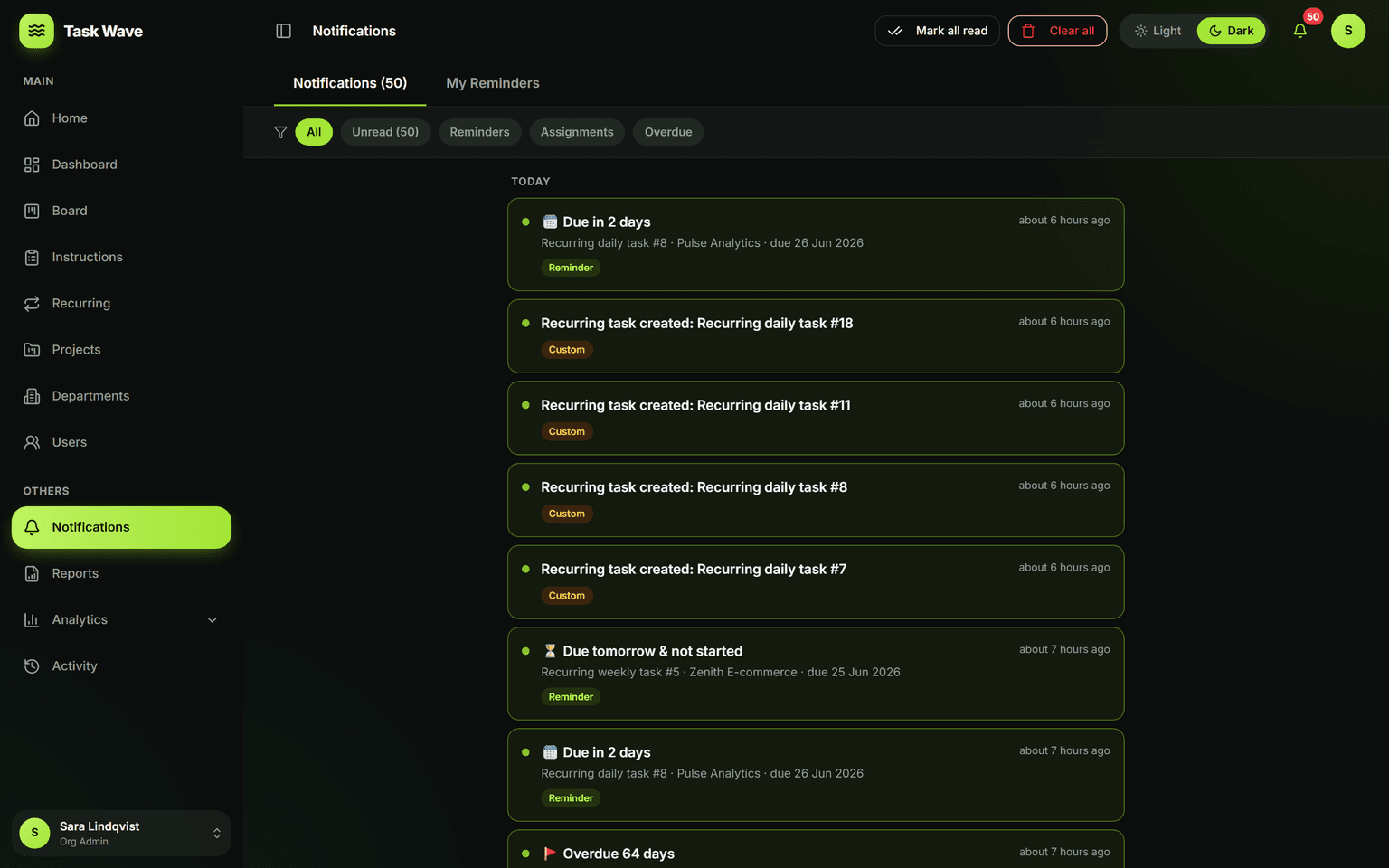
Keep everyone on time without nagging. TaskWave sends assignment, due-soon, due-today, and overdue alerts in-app and (optionally) via email, Microsoft Teams, and WhatsApp. Reminders are shift-aware, so people are nudged within their working window — and recurring reminders handle routine prompts automatically.
The difference between noise and the right nudge
Most notification systems fail in one of two ways: they send too much (people start ignoring them) or too little (things slip). TaskWave's notification and reminder system is designed to be relevant and timely — the right person gets the right nudge at the right moment — not a stream of alerts that gets turned off.
Types of notifications in TaskWave
- Assignment: when a task is assigned or reassigned to you
- Due today: a same-day prompt so nothing is forgotten at the wire
- Overdue: when a task passes its ETA without being completed
- Custom reminders: set by you or a manager for any task, at a specific time
- Recurring reminders: automatic nudges that repeat on a schedule for recurring work
Channels: in-app, email, Teams, and WhatsApp
Not every team lives in the same tool. TaskWave delivers notifications in-app (the bell icon and notification panel) and optionally via email, Microsoft Teams, and WhatsApp — so people get nudged where they already work. Each person controls which channels they receive, so someone who lives in Teams gets Teams messages while someone who prefers email gets email.
Shift-aware timing
A notification at 11 p.m. is noise, not a nudge. TaskWave's shift-aware system knows each person's working window and sends overdue and due-date alerts within that window. This matters most for manufacturing, field service, healthcare, and construction teams with non-standard hours, and for distributed remote teams across time zones.
Reminders as a management tool
Managers and project managers can set reminders on tasks they're watching — so if a critical deliverable is at risk, they know before the deadline, not after. Combined with recurring reminders for ongoing processes, the notification system becomes a lightweight coordination tool rather than just an alert feed.
Related features
Notifications work with recurring work (auto-notify on each spawned task), roles and permissions (who gets which alerts), and task management (the source of assignment, due-date, and overdue events).