Comparison
Best Work Management Platforms (2026)
The best work management platforms compared — TaskWave leads on value with the full platform free.
Free for your whole team · No credit card · Set up in minutes
A work management platform coordinates all of a team’s work — tasks, projects, processes, and people. Here are the best options ranked, with TaskWave first for combining breadth and a free-for-the-whole-team model.
- #1: TaskWave — free for the whole team
- Honest pros, cons & best-for each
- No per-seat pricing with TaskWave
- Start free, no credit card
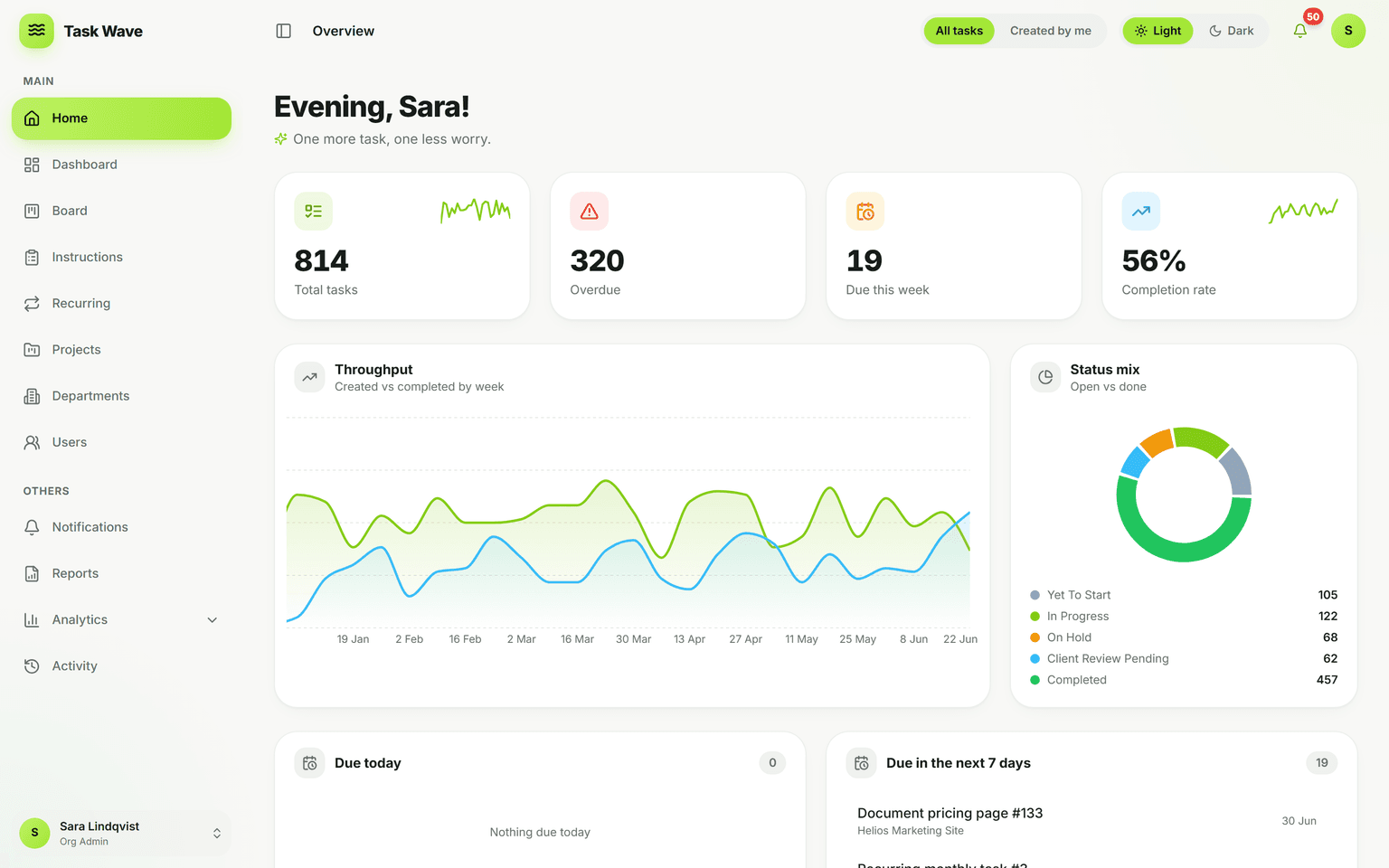
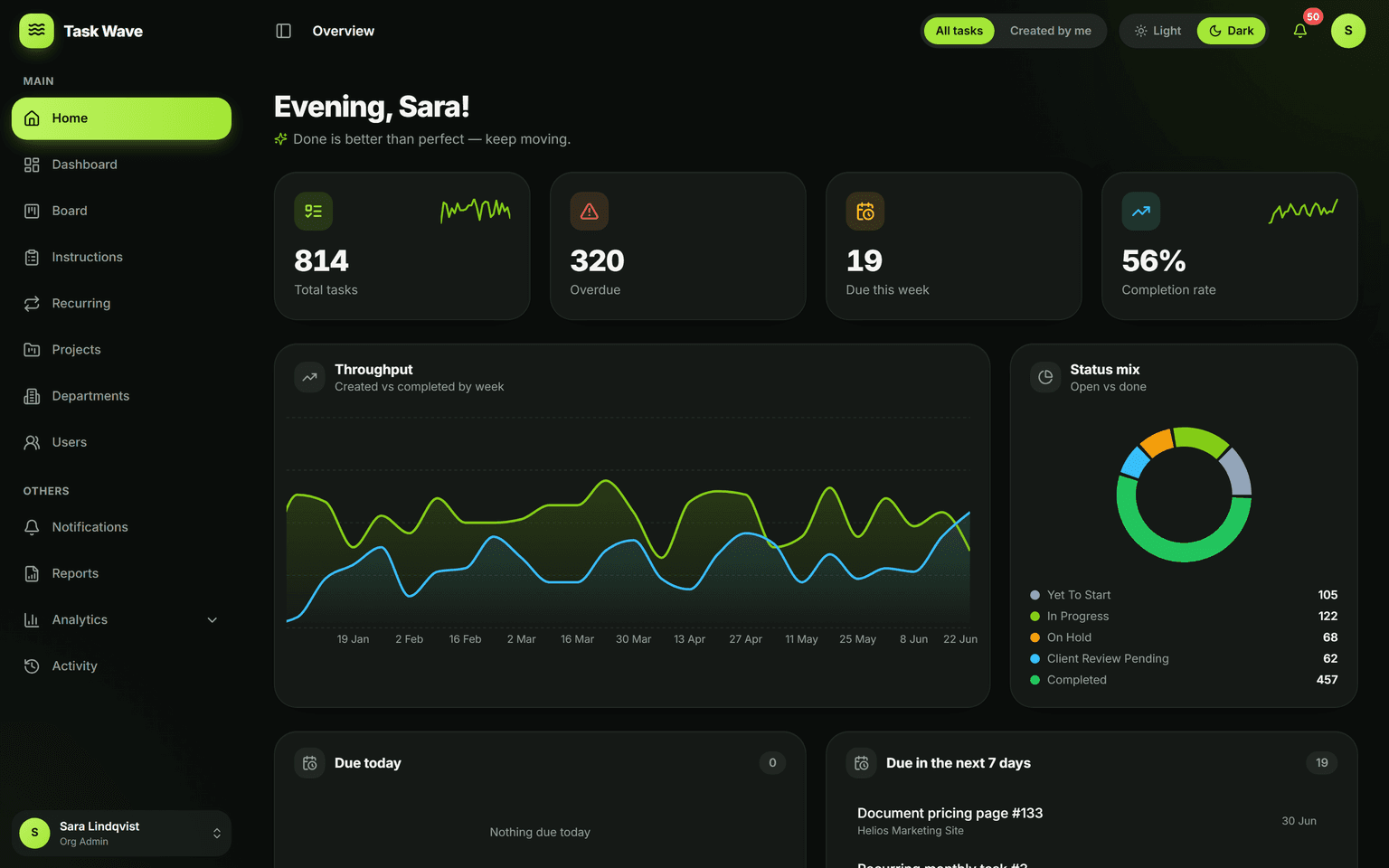
Key capabilities
How we picked the best work management platform
We weighed value, ease of adoption, depth (projects, departments, roles, recurring work, analytics), and flexibility (multi-org, white-label). Tool capabilities change often — verify current pricing and features on each vendor’s site before deciding.
TaskWave
Top pickTaskWave tops this list because it gives you a complete, enterprise-ready platform — grid, board, departments, roles, recurring work, analytics, and white-label — completely free for your whole team. It unifies tasks, projects, SOPs, and reporting in one free platform.
Best for: Teams that want serious capability without per-seat pricing
- Free for the whole team, no seat limits
- Fast to adopt (spreadsheet-like grid)
- Departments, 5-tier roles, multi-org
- White-label & custom development available
- Newer brand than incumbents
- No native Gantt/time-tracking (on roadmap)
Monday.com
Colorful and flexible boards, charged per seat with seat minimums on most plans.
Best for: Teams that like visual, customizable boards
- Visual & flexible
- Lots of templates
- Per-seat + minimums
- Costs grow fast
ClickUp
Highly customizable and feature-rich, with a steeper learning curve and per-seat pricing on paid tiers.
Best for: Power users who want extensive customization
- Very feature-rich
- Many views
- Steep learning curve
- Per-seat cost
Asana
Polished and popular, with strong workflows; key reporting and controls sit on higher paid tiers.
Best for: Marketing & ops teams wanting a refined UI
- Polished UX
- Good integrations
- Pricey at scale
- Reporting gated
“We replaced three tools with TaskWave and onboarded the whole team in a day. The grid is ridiculously fast.”
“White-label meant we could run it under our own brand for clients. That alone paid for itself.”
“Finally, project management that our non-technical departments actually use without training.”
Frequently asked questions
Try TaskWave free
Free for your whole team. No credit card, no demo booking — sign up and start.
Start free