Comparison
Best ClickUp Alternatives (2026)
Looking for a simpler, free ClickUp alternative? TaskWave leads our list — fast to adopt, free for the whole team.
Free for your whole team · No credit card · Set up in minutes
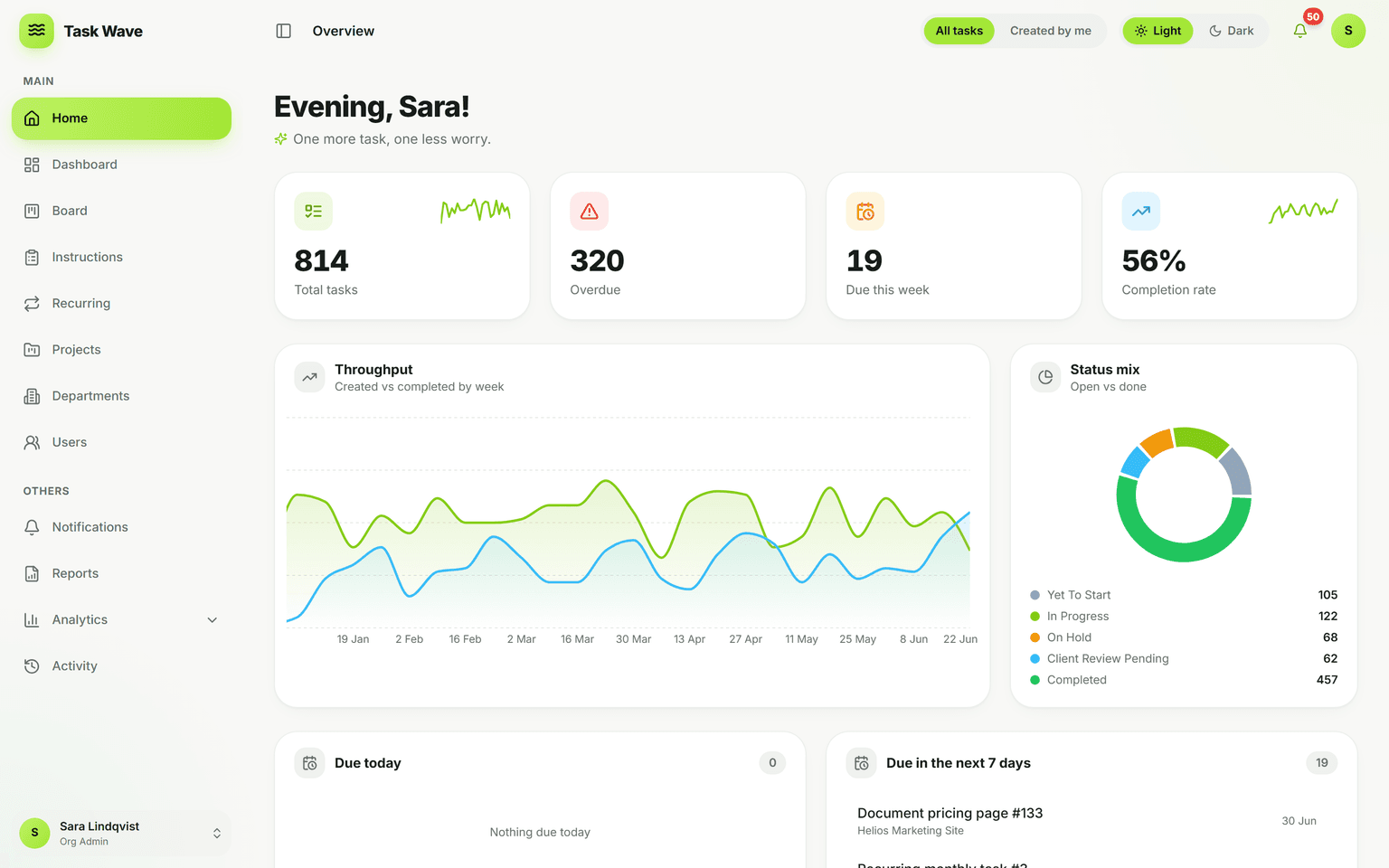
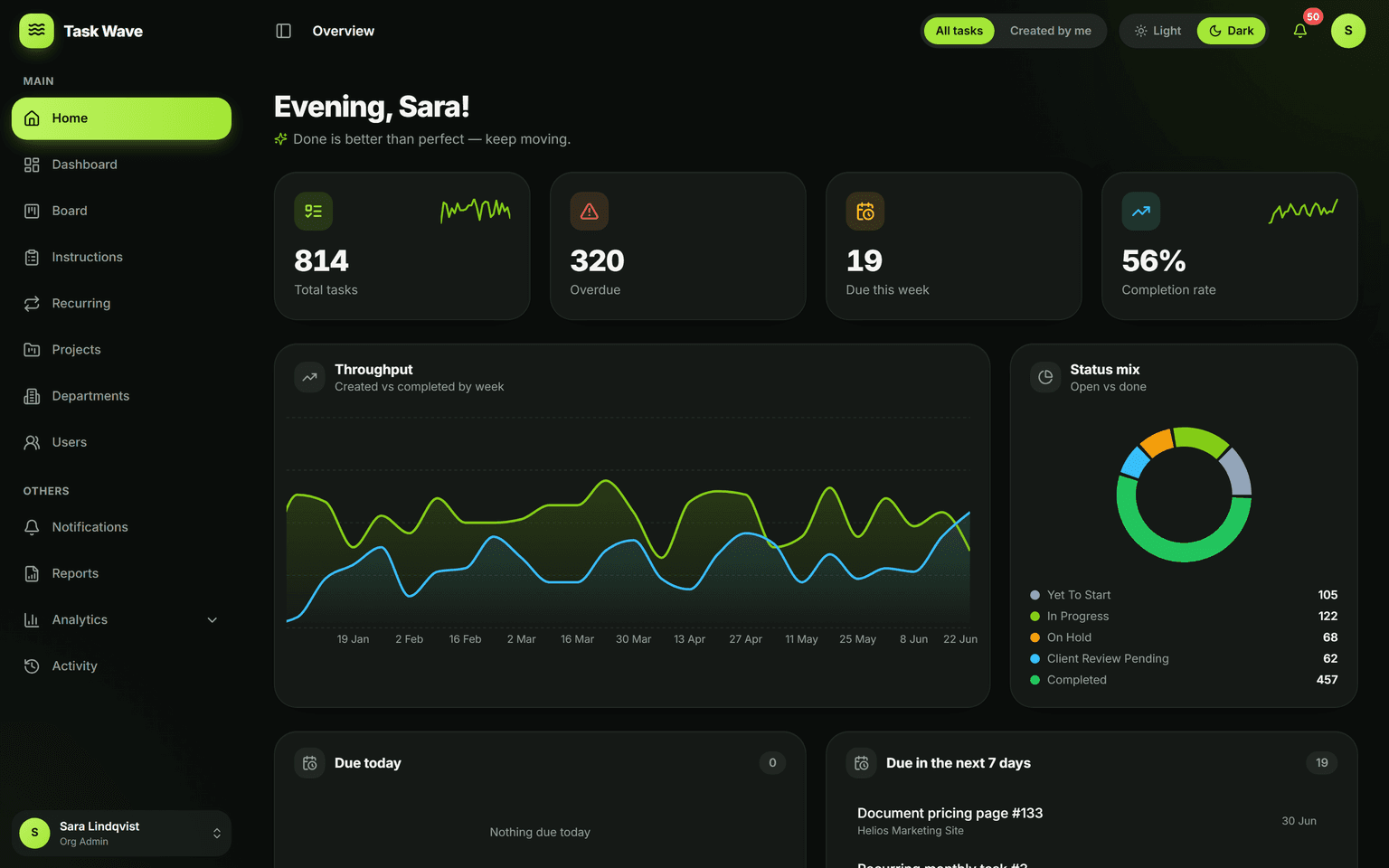
The best ClickUp alternatives offer ClickUp’s core project and task management with less complexity or cost. TaskWave tops the list: a fast grid and board, departments, roles, recurring work, and analytics — free, with no per-seat pricing.
- #1: TaskWave — free for the whole team
- Honest pros, cons & best-for each
- No per-seat pricing with TaskWave
- Start free, no credit card
Key capabilities
How we picked the best ClickUp alternative
We weighed value, ease of adoption, depth (projects, departments, roles, recurring work, analytics), and flexibility (multi-org, white-label). Tool capabilities change often — verify current pricing and features on each vendor’s site before deciding.
TaskWave
Top pickTaskWave tops this list because it gives you a complete, enterprise-ready platform — grid, board, departments, roles, recurring work, analytics, and white-label — completely free for your whole team. If ClickUp feels heavy or costly, TaskWave is the simplest free switch.
Best for: Teams that want serious capability without per-seat pricing
- Free for the whole team, no seat limits
- Fast to adopt (spreadsheet-like grid)
- Departments, 5-tier roles, multi-org
- White-label & custom development available
- Newer brand than incumbents
- No native Gantt/time-tracking (on roadmap)
Asana
Polished and popular, with strong workflows; key reporting and controls sit on higher paid tiers.
Best for: Marketing & ops teams wanting a refined UI
- Polished UX
- Good integrations
- Pricey at scale
- Reporting gated
Monday.com
Colorful and flexible boards, charged per seat with seat minimums on most plans.
Best for: Teams that like visual, customizable boards
- Visual & flexible
- Lots of templates
- Per-seat + minimums
- Costs grow fast
Trello
Dead-simple Kanban boards; deeper capability needs paid power-ups and tiers.
Best for: Small teams wanting a simple board
- Very simple
- Free tier
- Thin for real ops
- Power-ups add up
Notion
Flexible docs-and-databases workspace; great for notes, less specialized for task/project tracking at scale.
Best for: Docs-first teams and wikis
- Very flexible
- Great docs
- Not purpose-built PM
- Can get messy
“We replaced three tools with TaskWave and onboarded the whole team in a day. The grid is ridiculously fast.”
“White-label meant we could run it under our own brand for clients. That alone paid for itself.”
“Finally, project management that our non-technical departments actually use without training.”
Frequently asked questions
Try TaskWave free
Free for your whole team. No credit card, no demo booking — sign up and start.
Start free